
Map the process before you hand it to an AI agent

Every few years a new tool arrives that promises to make process work optional. RPA did it, low-code did it, and now AI agents are doing it. The pitch is that you describe the outcome and the software works out the steps. In our experience the steps still matter, and the businesses that get value from agents are the ones that know their processes well before they automate anything.
Across more than a hundred episodes, process mapping keeps coming back as the thing that decides whether a project works.
Automation makes a bad process fail faster
In EP9 we went through the RPA mistakes we see most often, and one of them was automating a poorly designed process. If the process is bad and you automate it, you have an automated bad process. As we put it in that episode, "if you take garbage and you automate it you're going to just have more garbage quicker". That was about software robots in 2021. It applies even more to AI agents, which will follow a broken process at scale without complaint.
The first mistake on the same list was ambition: going too fast, too soon. The programmes that work start with one or two well-chosen processes, prove the value, learn from them and then add the next one.
You cannot start small with a process you have never written down. Mapping is how you find the small, well-understood piece to start with.
Six ways to capture a process
Back in EP34 we walked through six methods for capturing a process, and they still hold:
- interviews with staff or small groups
- facilitated discovery workshops
- reviewing existing documentation, with care if it is out of date
- direct observation of what people actually do day to day
- business analysis and design, working from the current process towards a better one
- importing existing maps, for example BPMN files, into a modelling tool
Small group interviews are the method most of our customers use. You get everyone involved in, say, a purchase-to-pay or client onboarding process in a room or on a Miro board and walk it through step by step. Which method you pick depends on the size of the organisation, the culture and how much time people can give you. Where people are too busy for a workshop, go round them in short bursts and build the picture yourself.
What makes a mapping session work
A few habits from EP34 have saved us a lot of wasted time:
Keep sessions to an hour. Prepare your topics and questions, and stop on time. After two hours nobody is thinking clearly, and people are more willing to come back if you never overrun.
Park what blocks you. If a discussion is going nowhere, note it and pick it up in the next session.
Get everyone who touches the process involved. One person missing is enough to undo a whole workshop. Someone from another department looks at the output and asks "but what about this?", and the map falls apart.
Ask about the awkward cases. What happens when someone is out of office? Do they get every notification, or a daily summary? How are exceptions handled? Where could a bot plug in? What reporting does the team need while work is in flight? These are the questions an AI agent will run into on its first day, so it is better to answer them on a whiteboard.
Run well, with the right people, these sessions produce a map that is ready to hand to whoever builds the automation.
Use the data to check what people tell you
Workshops tell you how people think the process runs. System data tells you how it actually runs. In EP78 we talked about process mining, which reads event logs from systems such as ERP and CRM, groups them by an identifier like an order or incident number, and shows every variant of the process with timestamps.
The useful part is the root cause. If a large organisation has tens of thousands of purchase orders, you can see whether the delays cluster around a particular country, department or supplier. Sometimes the fix is not technical at all. If one supplier causes the problem, you may just need to speak to that supplier instead of building logic around them.
In our process mining Q&A (EP18) we drew the line between business intelligence and mining. With BI you go in knowing what you are looking for. Mining is more exploratory and shows you variants you did not know existed. For an SME without a mining tool, the same principle applies on a smaller scale: pull a month of ticket or order history and compare it with the map from the workshop.
Why this matters more with AI
An AI agent will follow whatever process you give it, including the gaps. A clear map gives you the boundaries for the agent, the exceptions it should hand back to a person, and a baseline to measure against once it is live. Without one, you have no way to tell whether the agent improved anything.
None of this is new. What is new is how quickly a badly understood process can now be automated.
Listen to the episodes
- EP34: Getting started with Process Mapping, Sascha Cutura and Arno van Rooyen
- EP78: Identifying Process Bottlenecks, Process Mining and more, Sascha Cutura and Arno van Rooyen
- EP18: The Process Mining Q&A Episode Part 1, Sascha Cutura and Arno van Rooyen
- EP9: 5 RPA Mistakes To Avoid, Sascha Cutura and Arno van Rooyen
If you want a structured way to look at your own processes and tools, the free Automation Stack Field Guide is a good place to start.
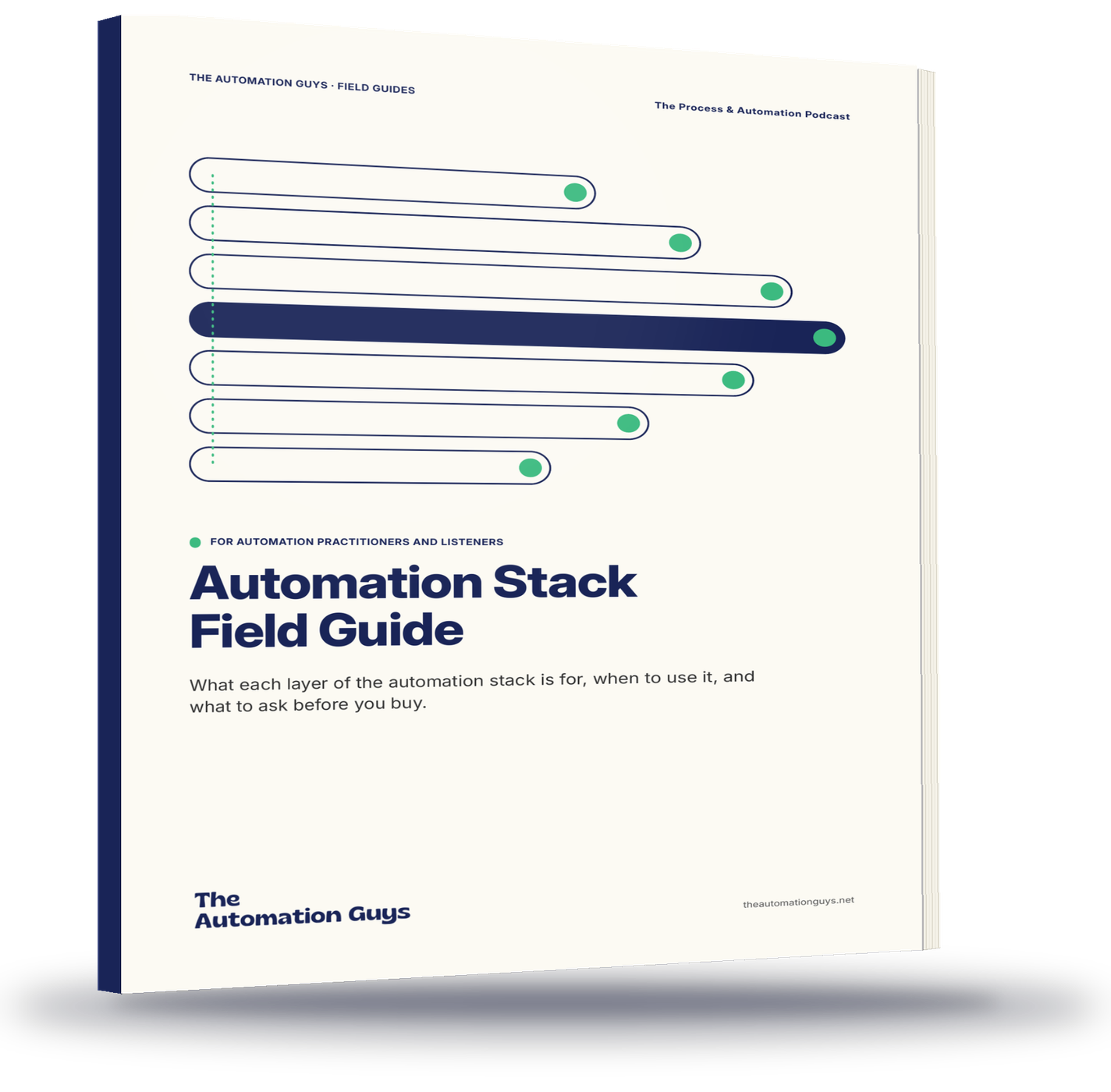
Pick the layer before you pick the product.
- An eight-layer map of the stack, plus the governance that sits across it
- When to reach for each layer, when to think twice, and what to ask the vendor
- A symptom table, vendor scorecard and quarterly checklist
Free PDF. Instant download.
More from the blog

AI agents in operations: where they earn their place
Where AI agents add value in operations and where ordinary automation is enough, with lessons from milo.ai, Garfield AI, DRUID AI and Turbotic.
Read article
Intelligent document processing: what invoice automation really involves
Intelligent document processing for invoices: why templates struggle, what good validation looks like, and how to build IDP into the wider workflow.
Read article
When the spreadsheet becomes the system: signs it is time for case management
The signs a spreadsheet has become your system of record, when a better spreadsheet is enough, and when to move the work into case management software.
Read article