
Intelligent document processing: what invoice automation really involves
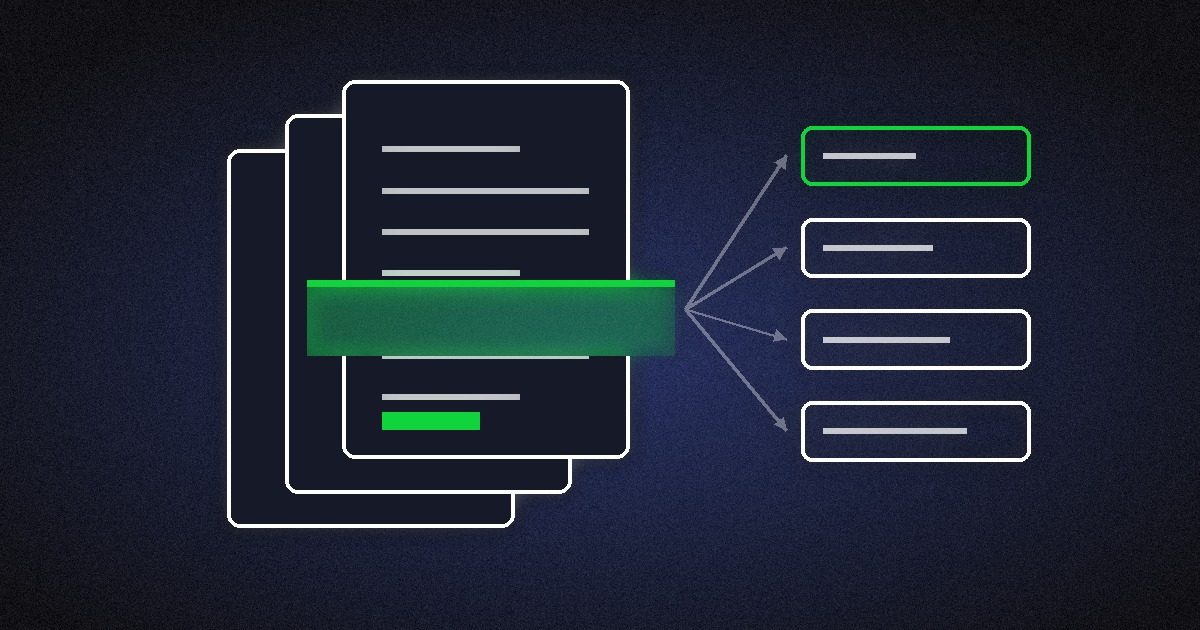
Ask a room of finance or operations people which process they would automate first and most will say invoices. In EP92 we described the manual version most businesses will recognise. An admin assistant passes the invoice to the finance manager. It is above their threshold, so it goes to the finance director by email. The director writes back asking for more information from the customer, or there is a discrepancy, and the invoice sits in inboxes while the cost of handling it climbs.
It sounds like a solved problem. Yet many businesses still key invoices in by hand, or run an extraction tool that leaves staff fixing its output. Across several episodes on intelligent document processing (IDP), we and our guests kept returning to the same idea: reading the document is the easy part now, and the value comes from everything around it.
Why rules and templates struggle
Petr Baudis, founder and CTO of Rossum, explained in EP103 why accounts payable is hard to automate with simple rules. Sectors such as retail, manufacturing and property management receive documents from a large number of suppliers, many of them small. Every invoice looks different, so a rule-based or template set-up quickly turns into maintenance work.
The older route was OCR and then a person checking the output. In EP93 we talked about how banks and insurers still receive documents by email or into a mail room where they are scanned, including handwritten forms filled in at a branch. Before AI, reading and handling those documents was painful. Modern tools can classify a document, work out whether it is an invoice or a contract, and read printed and handwritten text.
Extraction is only the start
Petr made the point that shaped Rossum's product. Once they had extraction working, they realised customers needed much more around it: a good user interface, a platform to set up the business rules, and integrations to get the data where it needs to go.
He described what he called the ideal set-up for accounts payable. Invoices go to a dedicated email address, which brings spam filtering and routing to the right queue or person. If something is wrong, staff can reply to the sender from inside the platform. Staff work through a queue, seeing the document side by side with the captured data, so a single wrong character in an IBAN is easy to spot. Administrators add simple, Excel-like checks, for example that two amounts must add up. And the system learns from each correction a person makes.
That last part matters for an SME. The aim is to get accuracy and automation benefits as soon as possible and let the level of automation rise over time, without a long implementation before anything works.
Accuracy is the business case
In EP95 we talked about why accuracy carries the argument. Anyone who has keyed in a hundred invoices knows that by the hundredth sheet you start making mistakes. Is that a seven or a one? Those errors end up in the accounting system and cost more to fix later. Consistent extraction and validation mean fewer discrepancies, suppliers paid faster, and cleaner records for audit and compliance.
There is a capacity argument too. A business that processes documents automatically can grow its workload without growing the team at the same rate. Petr put Rossum's ambition in concrete terms: today one person might handle a few thousand supplier or customer transactions a year, and with Rossum low tens of thousands. The long-term aim, in his words, is that "one person should be able to handle the 1 million transactions per year". That is a vendor's long-term goal, so read it as a direction of travel.
Build it into the workflow
The theme we come back to most often is that document processing works best as one step in a wider workflow. In EP93 we argued that extraction belongs inside an intelligent process automation or orchestration platform, so that once a document is read, the approval, the update to the ERP and the notification all follow without someone copying data between screens.
Petr framed the future along two lines: fewer exceptions in the process, and more of the process automated end to end. Rossum focuses on processes that run between companies, such as invoicing, where a document is the shared medium both sides understand. Most RPA platforms, he noted, look at processes inside one organisation.
Where to start
For a small or mid-sized business, a sensible first project looks like this:
- Pick one document type with real volume, usually supplier invoices.
- Measure what you have now: how many documents, how long each takes, how many errors are caught later.
- Choose a tool that lets staff validate quickly and learns from their corrections.
- Connect it to the system the data ends up in, so nobody re-keys anything.
- Watch the exception rate, and work on the causes, which are often a few suppliers or document formats.
In the same EP92 conversation we described the automated version: the invoice is picked up from an inbox, pre-processed and extracted, then routed to the right approver by the workflow, with the same team able to handle a much higher volume. Invoices are a good first project because the volume is there, most cases follow clear rules and the results are easy to measure.
Listen to the episodes
- EP103: AI document processing, 2024 US elections and more, with Petr Baudis, Rossum
- EP95: Let's talk about Intelligent Document Processing, Sascha Cutura and Arno van Rooyen
- EP93: TAG talk about AI and Document Extraction, Sascha Cutura and Arno van Rooyen
- EP92: Long-term Workflow Automation Benefits, Sascha Cutura and Arno van Rooyen
To see where document processing sits alongside workflow, RPA and AI tools, download the free Automation Stack Field Guide.
Pick the layer before you pick the product.
- An eight-layer map of the stack, plus the governance that sits across it
- When to reach for each layer, when to think twice, and what to ask the vendor
- A symptom table, vendor scorecard and quarterly checklist
Free PDF. Instant download.
More from the blog

Map the process before you hand it to an AI agent
Process mapping still decides whether automation and AI agents work. Six ways to capture a process, how to run the sessions, and where process mining helps.
Read article
AI agents in operations: where they earn their place
Where AI agents add value in operations and where ordinary automation is enough, with lessons from milo.ai, Garfield AI, DRUID AI and Turbotic.
Read article
When the spreadsheet becomes the system: signs it is time for case management
The signs a spreadsheet has become your system of record, when a better spreadsheet is enough, and when to move the work into case management software.
Read article